![ヒロ銀座[HIRO GINZA]](/common/images/logo.svg)
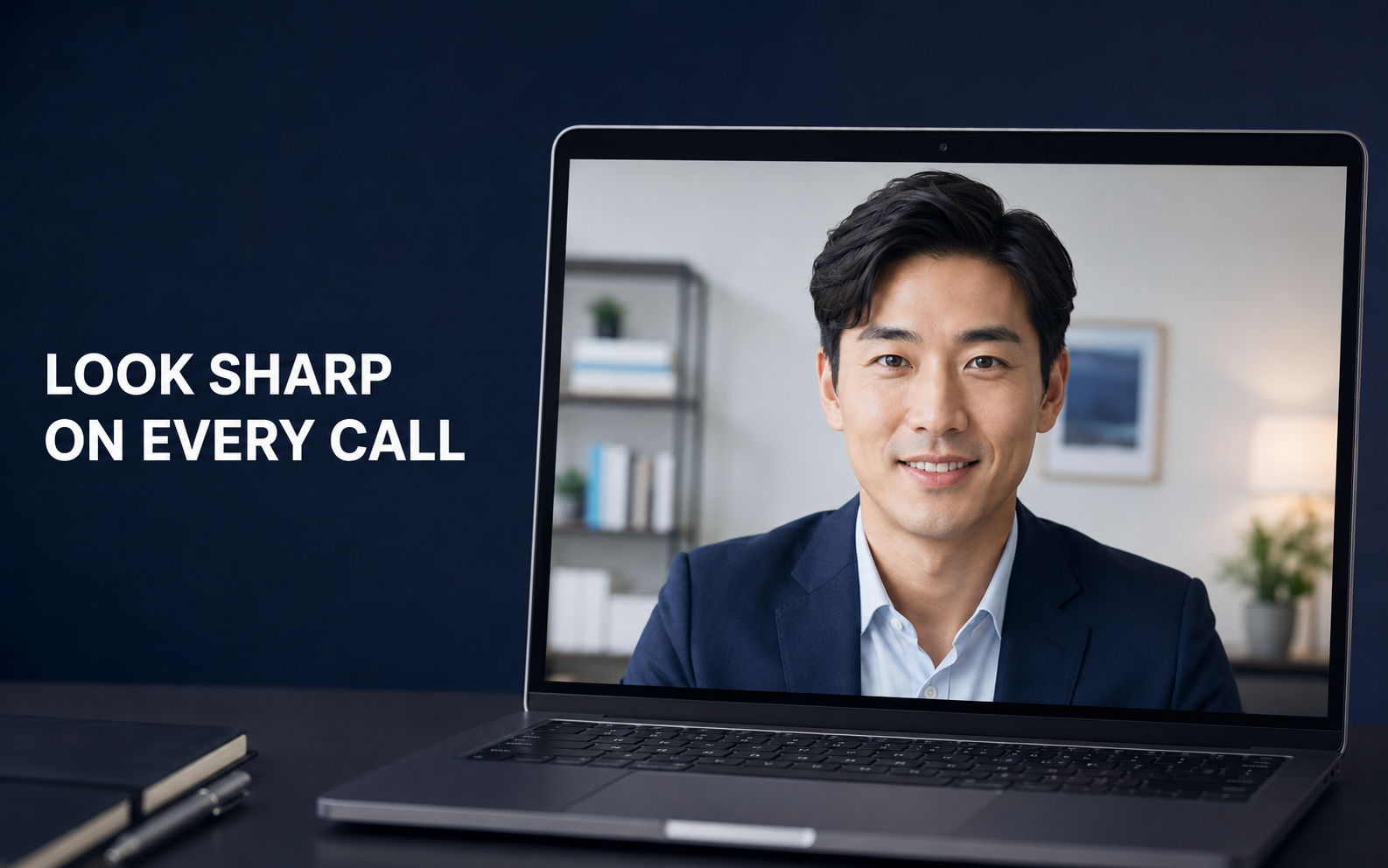
Online meetings are now part of everyday business. Even when you are dressed professionally, an untidy hairstyle can affect how you appear on camera.
Here is how to choose a hairstyle that looks clean and balanced during video calls.
1. Keep the Sides Under Control
Laptop cameras can make the head appear wider, especially when the hair around the ears sticks out.
A Taper, Low Fade or neatly controlled side section creates a sharper outline on screen.
2. Create Moderate Volume on Top
A little volume prevents the hair from looking flat under indoor lighting.
However, excessive height can look unbalanced when the camera is positioned close to your face. A natural Side Part or short Quiff is usually enough.
3. Avoid a Heavy Fringe
A thick fringe can create shadows around the eyes and make your expression harder to see.
If you prefer wearing the fringe down, keep it light and textured rather than completely covering the forehead.
4. Choose a Natural Finish
Strong lighting can reflect off products with a high-shine finish.
For most video meetings, a small amount of matte wax or natural-finish pomade creates cleaner definition without making the hair look oily.
Recommended Hairstyles
- Natural Side Part
- Short Quiff
- Textured Crop
- Low Taper
- Short Layered Style
These hairstyles create a clear outline and remain professional from different camera angles.
A Quick Check Before Your Meeting
- Place the camera at eye level
- Use light from in front of your face
- Check the sides and crown
- Adjust the part with your fingers
- Apply only a small amount of product
At HIRO GINZA PREMIUM BARBER VIETNAM, our Japanese stylists can design a professional hairstyle that works both in person and on camera.
Book through our website and experience Japanese barbering in a private room at Caravelle Saigon, District 1, Ho Chi Minh City.
